

Claude Code
Run once in Terminal.
claude mcp add --scope user siteprint -- "/Applications/Siteprint.app/Contents/MacOS/Siteprint" --mcp Scan a site in Safari. Claude Code, Cursor or Codex can then use its design directly.
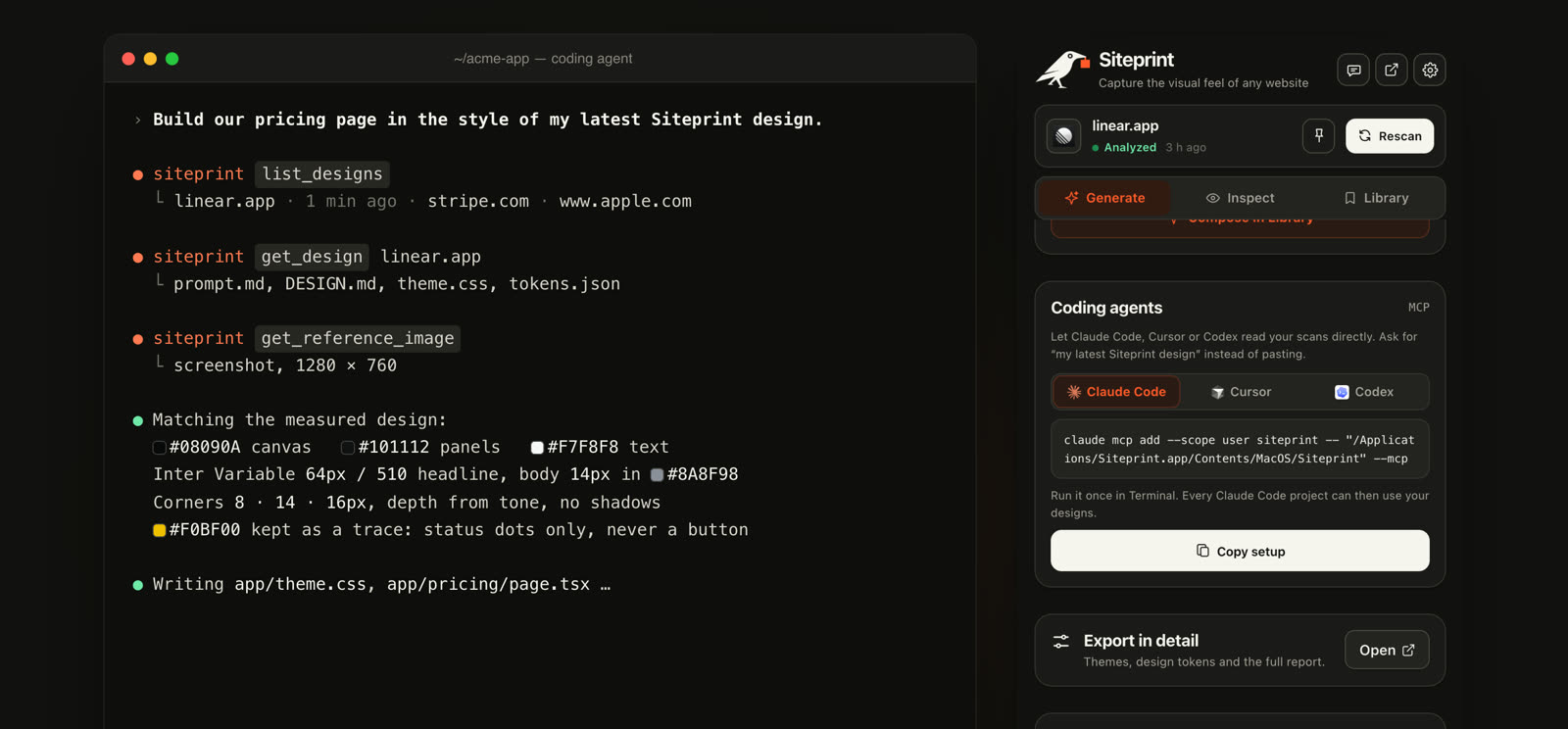
Run once in Terminal.
claude mcp add --scope user siteprint -- "/Applications/Siteprint.app/Contents/MacOS/Siteprint" --mcp Add to ~/.cursor/mcp.json.
{
  "mcpServers": {
    "siteprint": {
      "command": "/Applications/Siteprint.app/Contents/MacOS/Siteprint",
      "args": ["--mcp"]
    }
  }
} Add to ~/.codex/config.toml.
[mcp_servers.siteprint]
command = "/Applications/Siteprint.app/Contents/MacOS/Siteprint"
args = ["--mcp"]
Any MCP client, as a local stdio server.
/Applications/Siteprint.app/Contents/MacOS/Siteprint --mcp Build our pricing page in the style of my last scan.
Restyle this dashboard with my Linear design.
Set up Tailwind v4 with the theme from my latest scan.
list_designs | Your scans, newest first: site, colors, fonts. |
get_design | One scan as prompt, design, layout, tailwind_v4, shadcn, css, json, figma or scan. No id means the latest. |
get_reference_image | The screenshot taken with the scan. |
Needs Siteprint Pro. Runs on your Mac; nothing is uploaded.